3 Glen Alpine Way, Bergvliet, Cape Town
Mon-Fri 08:00 AM - 05:00 PM
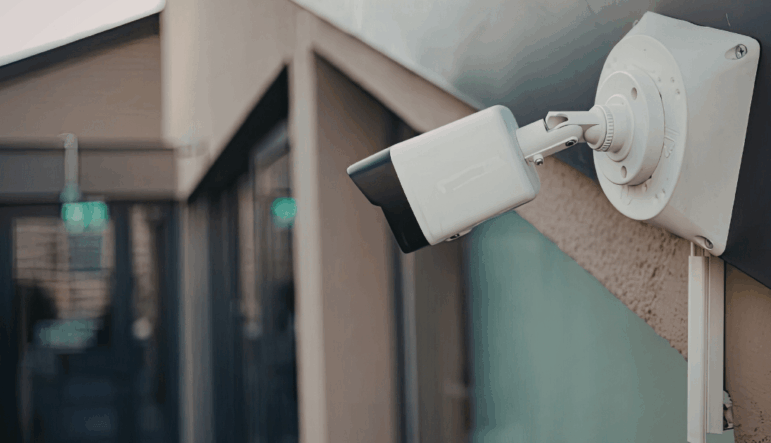
If you’re looking at CCTV cameras Cape Town installers recommend, you probably want to know one thing first: will the footage actually be clear enough to identify someone if there is an incident?
That depends on much more than the number of megapixels on the box. The distance from the camera, the lens, lighting, camera angle and recording settings all affect how much useful detail you actually get.
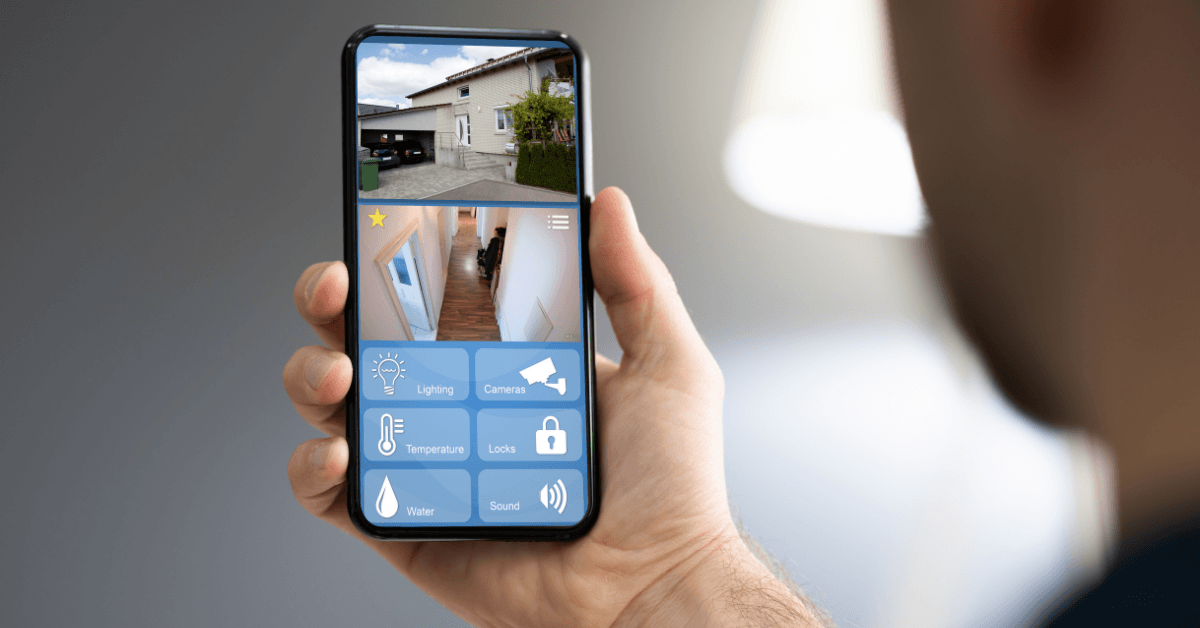
This guide will help you understand what to look for, where cameras need to be positioned and what to ask an installer before you choose a system.
The short answer: don’t choose a CCTV system on megapixels or camera quantity alone. Each camera needs to be specified for what you want it to capture, whether that is a clear face at the gate, a number plate at the entrance or wider coverage of a driveway. Distance, lens choice, lighting, placement and recording quality all affect the result.
For property owners, it is useful to think about three practical levels of CCTV detail: detecting that someone is present, recognising someone you already know, and capturing enough detail to help identify an unfamiliar person.
| Level | What it means | What it requires |
| Detection | The camera shows a person was present | Low resolution; wide-angle coverage; basic image quality |
| Recognition | The footage would allow someone who knows the person to identify them | Moderate resolution; reasonable distance; adequate lighting |
| Identification | The footage would allow a stranger to make a positive ID | High resolution; correct distance; specific placement; controlled lighting |
A CCTV camera covering a wide driveway or garden may clearly show that someone was there without capturing enough facial detail to identify an unfamiliar person.
The distinction matters because it determines whether your footage is useful after an incident, or simply confirms that one occurred.
There is no single identification distance for a CCTV camera. It depends on the camera’s resolution, lens focal length, field of view, lighting, recording settings and how much of the frame the person occupies.
A camera covering a wide area may detect someone at a considerable distance without capturing enough facial detail to identify them. A camera with a narrower field of view can place more pixels on the same person and provide better detail at that distance.
If your property has a long driveway, a wide gate area or a large parking area, one camera may not be able to provide both:
Wide-area coverage to show what is happening across the property
Identification detail at a specific point such as a gate, entrance or doorway
In those situations, you may need multiple cameras serving different purposes, or a camera and lens selected specifically for the distance that needs to be covered.
Camera resolution is measured in megapixels, but megapixels alone do not determine whether a face will be identifiable. What matters is how many pixels actually fall on the subject at the distance you need to capture them from. This is often referred to as pixels on target.
As a useful planning benchmark, the traditional IEC 62676-4 DORI model used around 250 pixels per metre at the target for identification-level detail. The 2025 revision retains 250 px/m under its updated “characterise” category.
However, usable facial detail also depends on:
Distance: Detail decreases as the subject moves further from the camera.
Field of view: A wider view spreads the available pixels across a larger area.
Lens choice: A narrower lens can place more pixels on a face at the same distance.
Lighting: Poor or uneven lighting can reduce facial detail even when resolution is high.
Camera angle and motion: Steep angles or moving subjects can make identification harder.
Recording quality: Compression and low recording settings can reduce the detail that is actually stored.
There is no fixed identification distance for a 2MP, 4MP or 8MP camera.
For example, a 2MP camera aimed tightly at a gate can place more pixels on a person’s face than a higher-resolution camera covering an entire driveway. A 2MP camera covering a wide area at 10 metres may provide useful recognition detail, while the same camera looking across a much larger or more distant area may not.
Higher resolution can provide more detail or allow a wider scene while maintaining useful pixel density, but only when the lens, placement, lighting and recording settings support it.
When you zoom into CCTV footage after it has been recorded, you are usually using digital zoom rather than optical zoom. You are enlarging the pixels already captured, not revealing detail that was never recorded. The image becomes larger and more pixelated, not clearer.
What this means in practice: the detail available in your footage was determined at the moment of recording. No amount of zooming in after the fact will recover information that was not there when the camera captured the image. This is why requests for “enhanced” CCTV footage rarely produce the clear image property owners expect. The solution is correct specification before installation, not processing after an incident.
It can be, depending on how the system is configured. The live view and recorded stream may use different resolutions, frame rates, compression levels or bitrates. Higher compression or an overly restrictive bitrate can reduce detail in stored footage, particularly in complex scenes or when there is movement.
Exporting or sharing footage can sometimes introduce further compression, so it is worth testing the quality of an actual recorded export rather than judging a system only from its live view.
Lighting is one of the most significant factors in whether CCTV footage is usable, and one of the most commonly overlooked at the planning stage.
Camera sensors require a minimum level of illumination to produce a usable image. Below that threshold, footage becomes grainy, detail is lost, and facial features are indistinct even at close range.
This is one of the most common reasons Cape Town property owners find their footage does not show faces clearly. If a camera is positioned so that the main light source (a streetlight, headlights, or a floodlight) is behind the subject, the camera’s exposure compensates for the bright background by darkening the foreground. The result is a recognisable silhouette and an unidentifiable face.
For identification-quality footage, the camera should face the subject while light falls on the subject’s face from the camera’s side. A camera covering a gate entrance works best when a light source illuminates faces as people enter, not when headlights or street lighting sits directly in the camera’s field of view. This is a placement and lighting decision that should be made before installation, not adjusted afterwards.
Cameras without dedicated night capability cannot produce identification-quality footage in darkness. They can confirm movement at best. Most modern security cameras sold and installed in Cape Town include one of two approaches to low-light imaging:
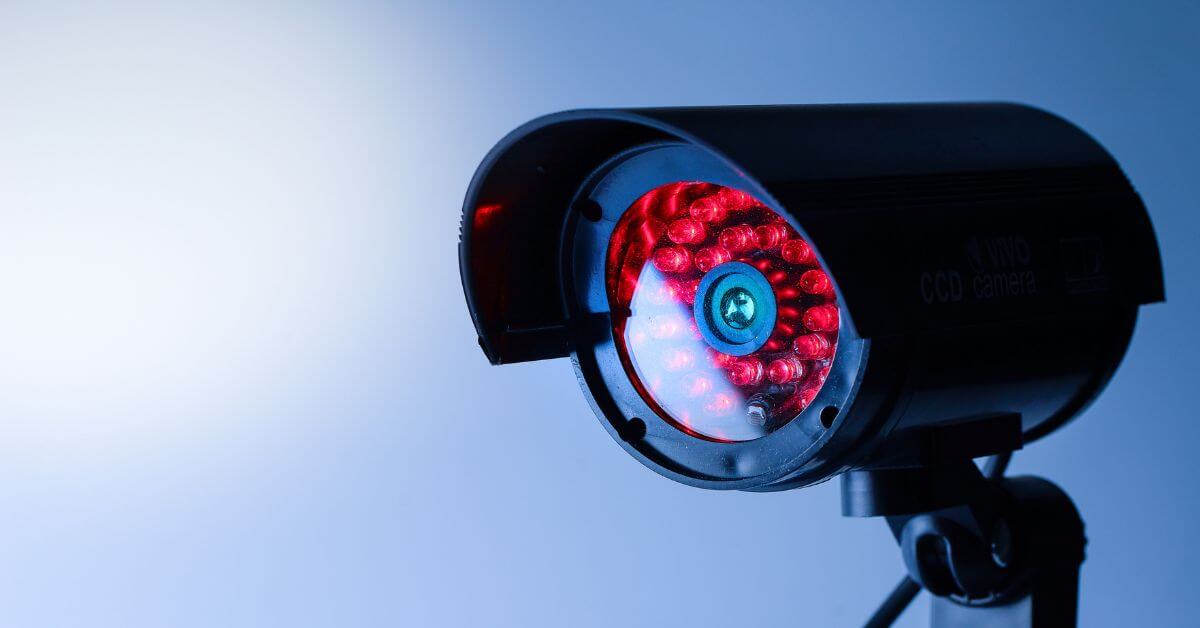
Most standard security cameras have built-in IR LEDs that project infrared light invisible to the human eye. The camera switches to IR mode at low light levels and produces a black-and-white image. The range and intensity of IR illumination vary considerably between cameras. A camera with a rated IR range of 20 metres will not identify a face at 30 metres in darkness, regardless of its daytime resolution. IR range is a specification point to confirm before purchase, not assume.
Higher-specification low-light cameras can retain colour in very low ambient light, such as on lit streets or around buildings with external lighting. However, colour imaging still requires some visible light unless the camera provides supplemental white-light illumination. In complete darkness, a camera will generally need its own IR or visible-light illuminator to produce a usable image.
A CCTV system without backup power may stop recording during an electricity outage. If continuous coverage is important, your installer should confirm whether the cameras, recorder, network equipment and internet connection are supported by a UPS, battery system or other backup supply, and how long that backup is expected to last.
A standard security camera will capture a number plate clearly under the right conditions: adequate lighting, correct distance, an appropriate angle, and a vehicle that is slow or stationary. The same standard camera will not reliably capture a plate from a vehicle moving at speed, from a sharp angle, in poor light, or at significant distance.
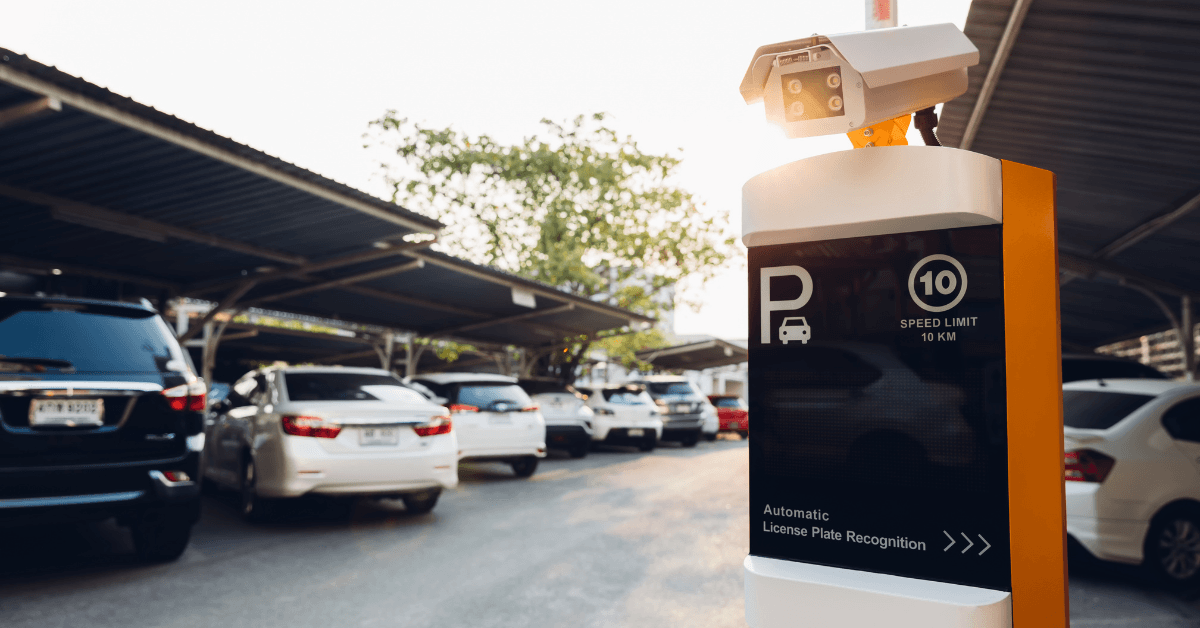
For gate and entrance applications where vehicles slow to a stop, a correctly specified standard camera with good lighting and placement can produce usable plate imagery. For vehicle monitoring at distance, on a road, or for anything that needs to reliably read plates in a range of conditions and lighting levels, a dedicated ANPR (Automatic Number Plate Recognition) camera is the correct specification.
Dedicated number-plate cameras are designed and configured specifically for plate capture, with appropriate shutter speeds, exposure control, optics and infrared illumination. Licence plates are highly retroreflective, so a standard camera’s IR illumination can produce excessive glare or poor character contrast if the camera and exposure settings are not suited to plate capture.
Standard IR cameras emit infrared light that the retroreflective surface of a number plate bounces directly back at the lens. The camera reads this as an extremely bright source and adjusts its exposure accordingly, washing out the plate characters in the process. Whether this happens, and how severely, depends on the camera model, the IR intensity, the distance, and the plate coating. It is worth testing your existing gate camera at night specifically for plate readability before assuming the system covers this.
Do not assume a camera installed to cover a driveway will also read plates at the gate unless that has been specified. Ask your installer directly: at what distance will this camera read a plate in daylight? At night? At what vehicle speed?
A camera mounted at height looking steeply downward will capture the top of a person’s head, their shoulders, and the ground. It will rarely capture enough of the face for identification purposes.
For facial identification, the aim is to keep the camera’s view as close to frontal as the site allows rather than looking steeply down onto the top of the person’s head. The appropriate mounting height depends on the distance to the capture point, lens and property layout, so the installer should check the actual viewing angle rather than relying on a standard height alone.
A wide-angle lens compounds the problem: it takes in more of the scene, but the face occupies a smaller portion of the frame at any given distance. Cameras intended to identify faces need a narrower field of view than cameras intended to monitor a wide area.
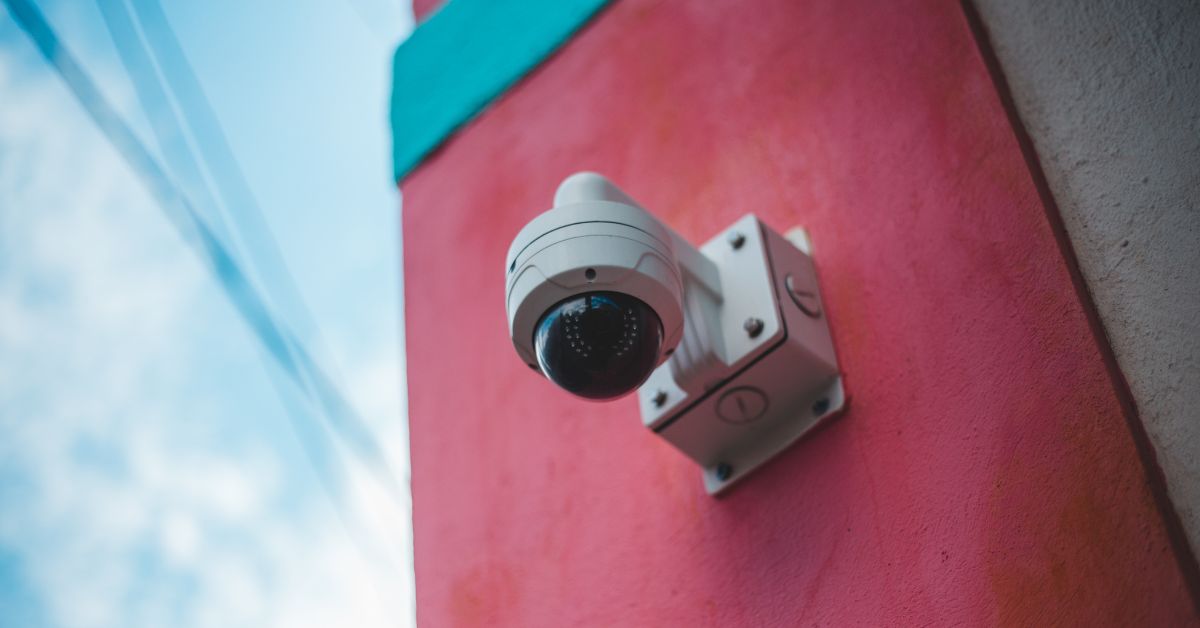
Not typically. This is the central planning issue for most residential CCTV installations in Cape Town. The camera that monitors the wide driveway for activity is rarely the same camera that can identify a face at the gate. A well-specified system accounts for both requirements with different cameras in different positions, not by asking one camera to do both jobs.
A camera needs more than the right resolution to capture a useful facial image. Check these five things when choosing the position:
| Placement factor | What to check |
| Distance | The person needs to be within the camera’s effective identification range at the point where you want to capture their face. That range depends on the camera’s resolution, lens, field of view, lighting and recording settings rather than a fixed distance. |
| Height | Position the camera so it captures a useful view of the face rather than looking steeply down from above. A higher mounting position may require more careful lens and angle selection. |
| Field of view | Use a narrower view for facial identification. Aim the camera at a specific point such as a gate, front door or intercom position rather than trying to cover a wide garden or parking area. |
| Lighting | Light should fall onto the person’s face from roughly the camera’s direction rather than sitting behind them. Strong backlighting can leave the face too dark to identify clearly. |
| Obstructions | Check that trees, gateposts, walls and parked vehicles will not block the camera’s view of the identification point. Assess the scene as it normally looks, including when a vehicle is at the gate. |
The aim is to choose a position where the person is close enough, facing the camera at a useful angle and well lit, with as little obstruction as possible.
Older standard-definition analogue cameras cannot themselves be made higher resolution through recorder settings or software. However, an older coaxial cabling installation may still be reusable. Modern HD-over-coax technologies such as HDCVI, HDTVI and AHD can support substantially higher-resolution cameras over suitable existing coax.
Whether this is practical depends on the condition and type of cabling, the DVR’s supported formats and resolutions, power arrangements and the cameras being installed. A technician should therefore assess the existing infrastructure before recommending a complete replacement.
IP-based (network) CCTV systems offer the most practical upgrade path: individual cameras can be replaced with higher-resolution models without replacing all cabling, provided the NVR supports the new camera’s resolution and the network can handle the increased data.
For older systems, it is worth comparing the cost of upgrading individual cameras and the recorder against replacing the system as a whole. If the recorder, cameras, cabling or power infrastructure all impose limitations, a new system may provide better value than upgrading components one at a time.
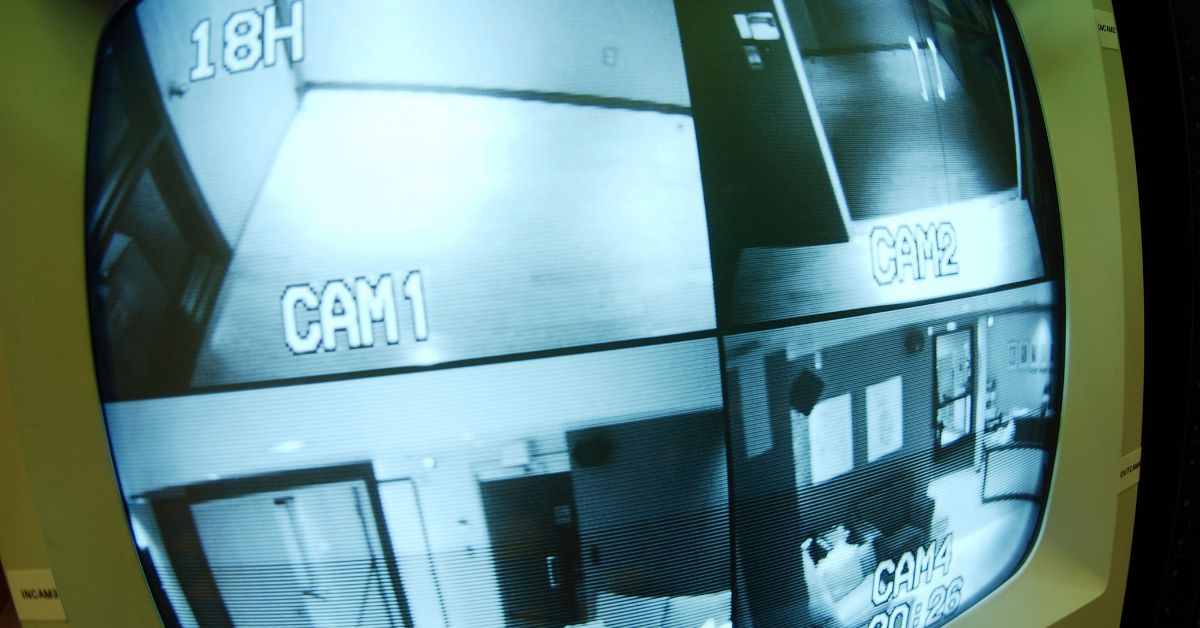
A practical test you can carry out before calling a technician:
Test the identification point: Have someone stand where you would need to identify an intruder or visitor, such as at the gate, front door or perimeter boundary.
Check the live view: Look at the feed on your monitor or DVR at the size you would normally view it. Ask whether you could identify the person if you did not already know them.
Check the recorded footage: Export a still frame from the recording rather than the live feed, then view it at its natural resolution without zooming in. This gives you a more realistic idea of the detail actually being recorded.
Compare live and recorded quality: If the recording is significantly poorer than the live view, check the recording resolution, bitrate, compression, frame rate and stream profile. The export process can also affect quality.
If the test shows that facial detail is insufficient or that recorded footage is substantially poorer than the live view, the cause could be camera distance or angle, the lens and field of view, lighting, recording settings or a combination of these. Some problems can be corrected through settings or repositioning, while others may require a different lens, improved lighting, an upgraded recorder or additional or replacement cameras.
A CCTV installer who does not ask these questions before specifying a system does not have enough information to do the job correctly. Know the answers before the conversation:
Detection only, recognition by someone who knows the person, or enough detail to help identify an unfamiliar person. A property may need different cameras serving different purposes.
Not “I want to cover the driveway.” The distance from where the camera will be mounted to the specific point (gate intercom, front door, boundary wall) where a face or plate needs to be clearly identifiable.
Is the area covered by streetlights, a property floodlight, or completely dark during power outages? This determines whether standard IR cameras are adequate or whether a different approach is required.
If footage may need to be supplied to SAPS or an insurer after an incident, tell the installer what details you would ideally need it to show, such as faces, number plates, clothing, vehicles or the sequence of events. Cameras intended to identify unfamiliar people require considerably more detail than cameras used simply to monitor activity across an area.
And if so, at what distance, at what vehicle speed, and in what lighting conditions. This is a separate specification requirement, not a standard feature of security cameras.
CCTV identification problems often arise when camera distance, angle, field of view, lighting or recording settings have not been matched to what the property actually needs. These issues are usually easier and less expensive to solve at the planning stage. After installation, some can be corrected through camera positioning, lighting or recording settings, while others may require different cameras or additional coverage.
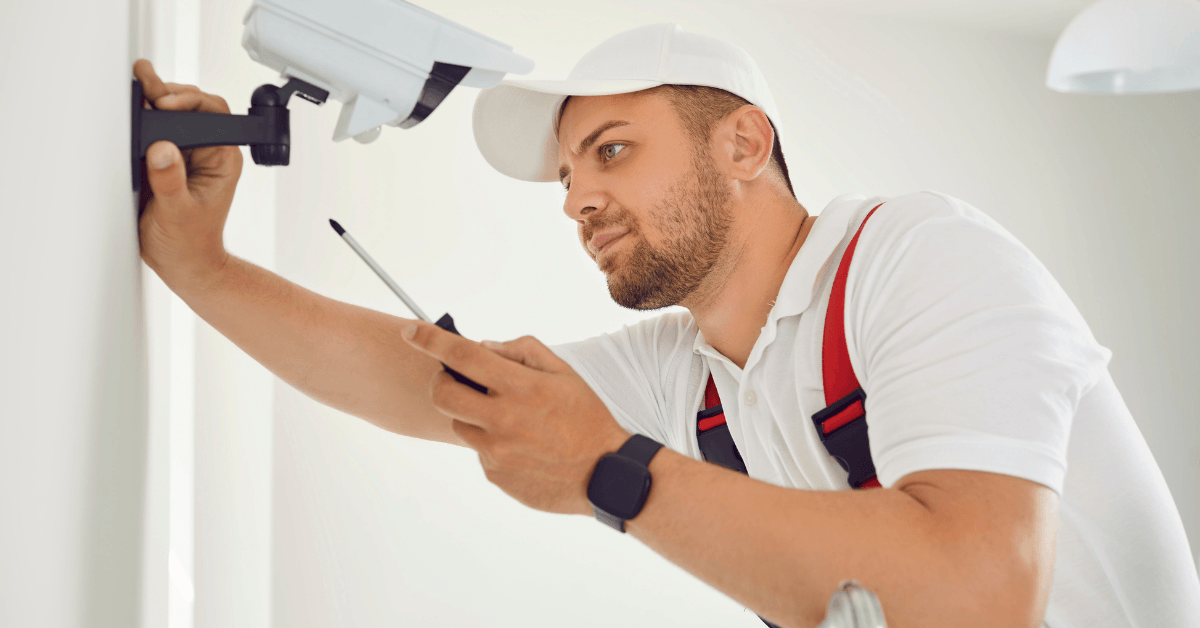
JVN Security Systems installs and commissions CCTV security cameras across Cape Town and the Western Cape for residential and commercial properties. Before quoting, we establish what each camera needs to capture and where each identification point is, not just where to mount a unit. A free site assessment and written quotation are available before any work begins. For CCTV camera installation in Cape Town and the surrounding areas, contact JVN Security Systems on 084 241 4549 or visit jvnsecuritysolutions.co.za.
Yes. Many modern CCTV systems allow you to view live and recorded footage remotely through a mobile app. The exact features depend on the cameras and recorder being installed, and some cloud-based services may require a subscription. Ask your installer whether remote viewing, recorded playback and user access are included in the quoted system.
There is no standard number of days. CCTV storage time depends on the available storage, number of cameras, bitrate, resolution, frame rate, compression and whether the system records continuously or only when an event is detected.
Once the allocated storage is full, many systems are configured to overwrite the oldest recordings. Ask your installer how many days of footage the proposed system is expected to retain at the recording quality you will actually use.
It depends on where the footage is stored. If recordings exist only on a camera, DVR or NVR that is stolen or damaged, you may lose access to those recordings. Some systems can also save footage to another device, edge storage, a remote server or the cloud.
If protecting footage from equipment theft is important, ask your installer exactly where recordings are stored and what footage would remain available if a camera or recorder were removed.
Many modern CCTV systems can send notifications when motion, a person, a vehicle or another configured event is detected. More advanced analytics can help distinguish people and vehicles from general movement.
Ask whether detection zones, sensitivity and alert types can be adjusted. Poorly configured motion alerts can result in frequent notifications from trees, shadows, pets or passing traffic.
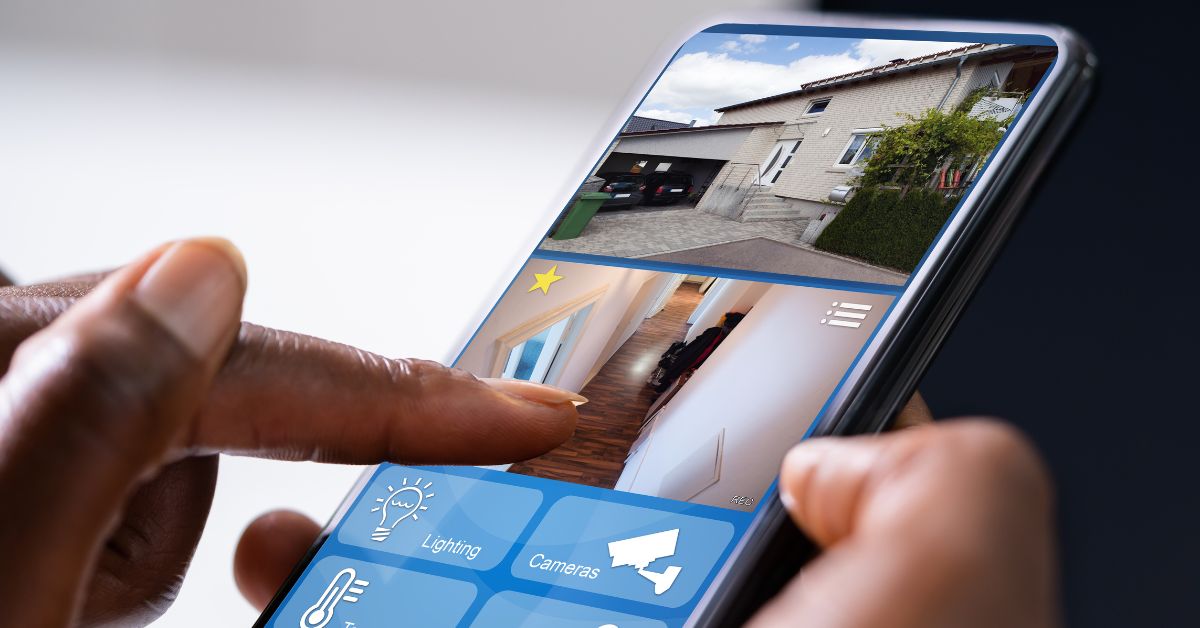
Not necessarily, but person or vehicle detection can make alerts considerably more useful than basic motion detection. Traditional motion detection may also react to trees, shadows, animals or other movement.
Cameras or recorders with suitable analytics can classify certain types of activity and help reduce unwanted alerts when configured correctly. If notifications are important to you, ask the installer what type of detection the proposed system uses and whether detection zones and sensitivity can be adjusted.
Wi-Fi cameras need a reliable Wi-Fi signal where each camera is installed. Fast fibre coming into your home does not automatically mean you have good wireless coverage at a gate, driveway or outside wall.
Internet access may also be required for remote viewing, cloud storage or app notifications, depending on the system. Ask the installer to check Wi-Fi strength at the proposed camera positions rather than relying on your internet speed alone.
Neither is automatically better for every property. Wired cameras, particularly network cameras using Power over Ethernet (PoE), can provide a stable connection and carry power and data through the same cable, making them well suited to permanent multi-camera installations.
Wi-Fi cameras can be easier to install where running network cable is impractical, but their reliability depends on wireless signal quality, and they still need a suitable power source unless they are battery operated.
For a permanent CCTV installation, ask the installer why they are recommending wired or wireless cameras for your particular property rather than choosing based on convenience alone.
Often, yes, if the system records locally. Cameras recording to a DVR, NVR or onboard storage may continue recording when the external internet connection goes down. Remote viewing, cloud recording and app notifications may stop until the connection returns.
This depends on how the system has been designed, so ask your installer what will continue working during an internet outage.
Before accepting a CCTV quote, ask:
What is each camera expected to capture?
At what distance should faces or number plates be identifiable?
What image quality should I expect at night?
Where will recordings be stored?
How many days of footage should the system retain?
Can I view live and recorded footage remotely?
What types of alerts can the system send?
What happens if the internet or electricity goes down?
What happens to the footage if a camera or recorder is stolen?
Can the system be expanded later?
The answers should relate to your actual property and what you need the system to do, rather than relying only on camera resolution or the number of cameras included in the quote.
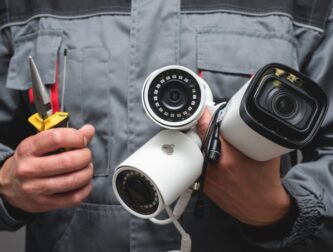
When most Cape Town homeowners think about property security, they thi
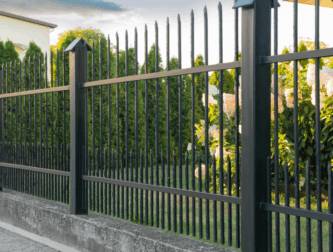
The site’s risk level determines the right security fencing for
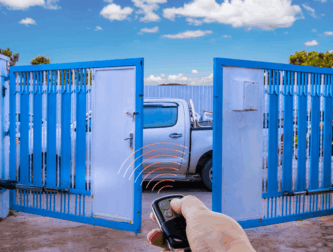
Gate motor installation is one of the most practical security upgrades

A garage door motor that is not properly matched to the door will let